From the kitchen counter to your workbench, convert 144 units with one thoughtful, entirely offline tool.
Android 8.0+
No adsNo trackingNo accounts
A closer look at Metrivo
Metrivo
Different units. Same clarity.
Precision, all the way through.
Centimetres12.7Inches5
Illustration · Screenshot coming soon
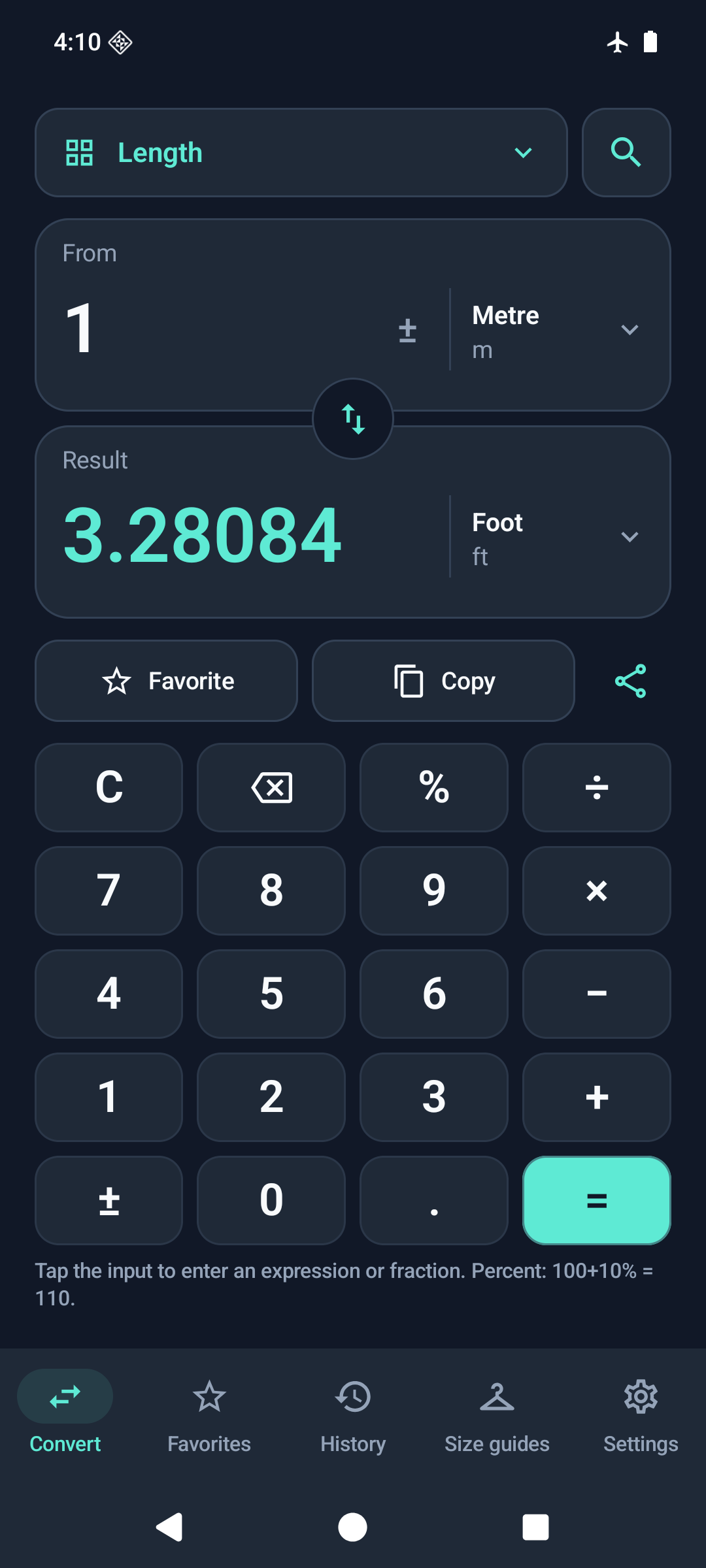
01 Convert
Metrivo
Find your kind of fit.
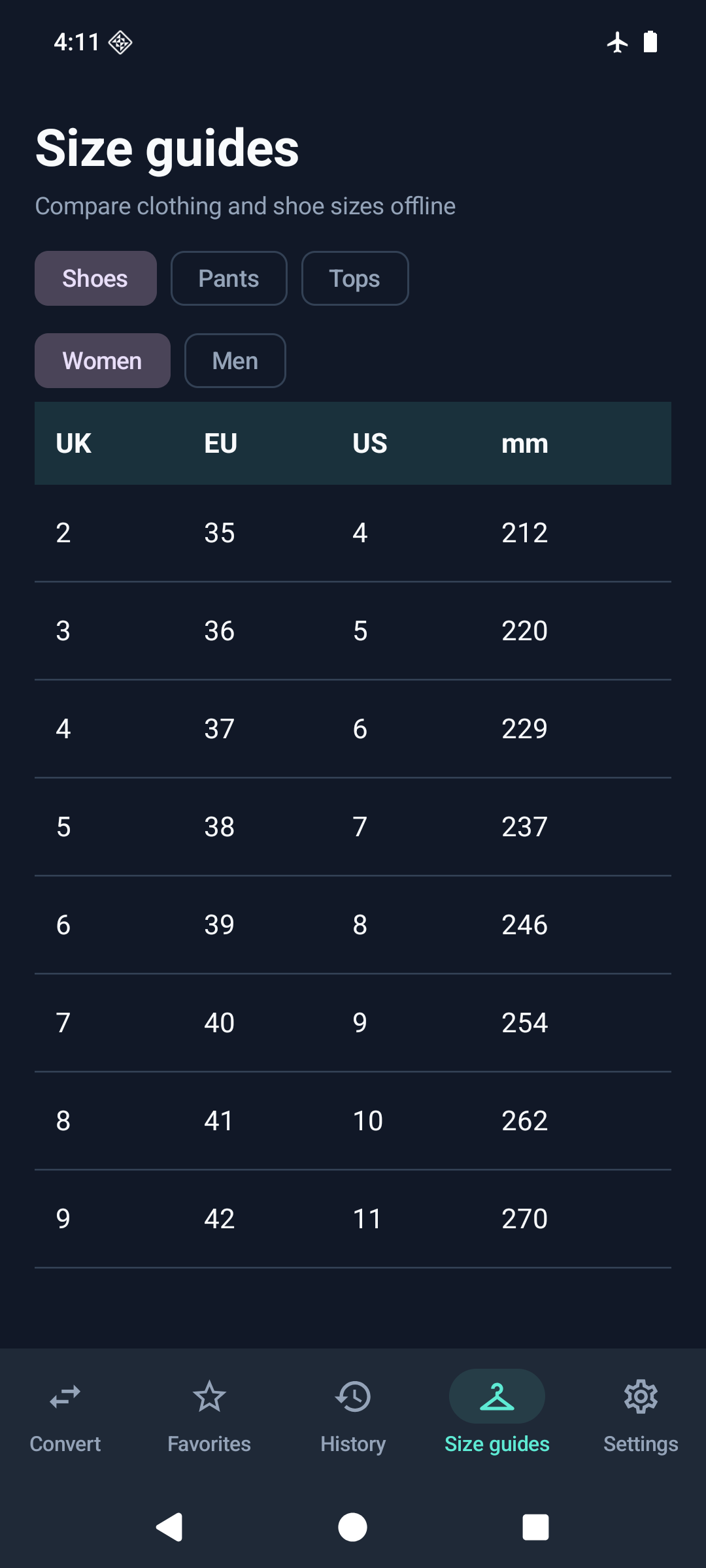
Women’s and men’s size charts.
SIZE GUIDES
Shoes
Trousers
Tops
Illustration · Screenshot coming soon
02 Size guides
Metrivo
Your little preferences.
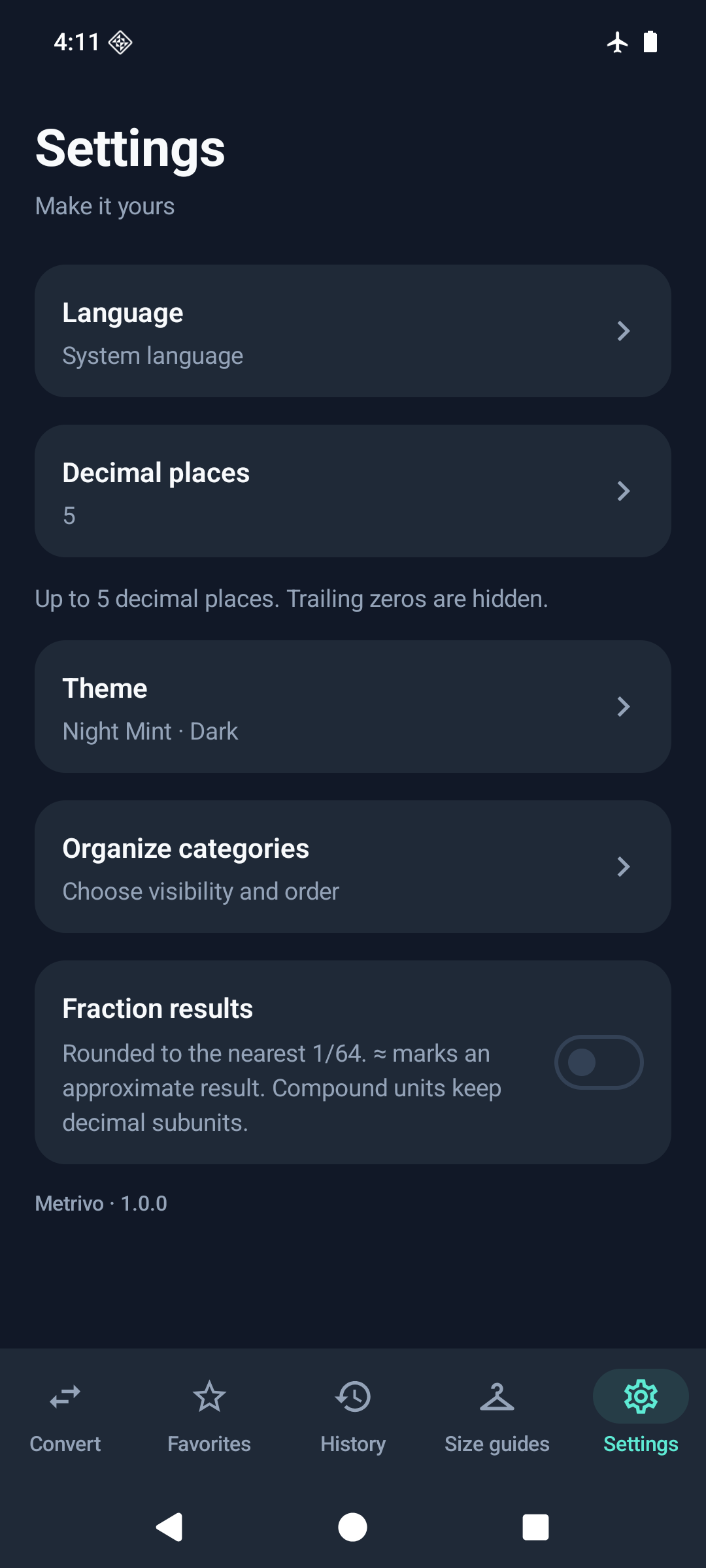
Make yourself at home.
Appearance
13 languages
Your categories
Illustration · Screenshot coming soon
03 Make it yours
Illustrative previews. Actual app screenshots are on their way.
16measurement categories
144units to convert
13languages
100%offline
The details make the difference
Feels simple. Because it’s thought through.
A quick conversion or something a little more involved. Metrivo takes care of the details, so you can get on with your day.
01 / Think it. Type it.
Skip the extra calculator.
Enter an expression directly. Use percentages, scientific notation, fractions, or mixed fractions. See an approximate fraction result when you want one.
12×3+4=40
Percentages feel natural, too: 100 + 10% = 110
02 / Precision in the particulars
Every unit has its place.
Sourced conversion factors. No intermediate rounding during calculation. Clear distinctions between units that look deceptively alike.
US gallon ≠ UK gallon
bit ≠ byte
MB ≠ MiB
Better together.
Work in feet + inches, pounds + ounces, or hours:minutes:seconds. Find your fit with women’s and men’s shoe, trouser, and top size guides.
Pick up where you left off.
Search every category and unit. Save favourites. Optionally keep your last 100 conversions, reopen them, or export to CSV. Copy or share your results.
A little more you.
13 languages. Dark, light, or system theme. Arrange and hide categories your way. Enjoy a two-column layout on tablets and wider screens.
All 16 categories, at your fingertips
Length
Area
Volume
Weight
Temperature
Speed
Time
Data
Energy
Power
Pressure
Force
Torque
Angle
Fuel consumption
Data rate
Privacy is part of the point
Your data stays on your device.
Not even an internet permission. Your settings, favourites, and optional history stay on your device. No ads, analytics, or servers. Only when you explicitly share or export does your chosen content go to the destination you select.
Metrivo is coming soon to Google Play. It has not been released yet, so there is no download link for now. It is made for Android 8.0 and above.
Does it really work without the internet?
Yes. Metrivo works entirely offline and does not even request the Android INTERNET permission. There are no accounts, ads, analytics, trackers, or servers.
Which languages are supported?
English, Turkish, Spanish, Portuguese (Brazil), German, French, Russian, Chinese (Simplified), Japanese, Korean, Hindi, Indonesian, and Arabic with right-to-left support.
Are my conversions saved?
Only if you enable history. Your last 100 conversions stay in the app’s private storage on your device, and you can delete them in the app. Android cloud backup is disabled.
What happens when I share or export?
A CSV file is written only to the location you choose in Android’s file picker. Sharing sends only the conversion text to the app you select. Read the privacy policy for the details.